
Dex
A headless, block-based alternative to PowerPoint
Dex brings the tools of web, editorial and graphic design to presentations: semantic tokens, CSS grids, components and a Notion-like editor.
Why
PowerPoint has strong theming, but it never works, because colours aren't linked to what they control. I've used PowerPoint for 20 years, and I want branding that can't break even if you try.
Layouts that don't break
Slides built from blocks and grids instead of loose layers.
Semantic theming
Colours tied to what they control, so any theme works on any presentation.
Notion page to deck
Titles split a page into slides, so the user gets a clean split every time.
Slide history
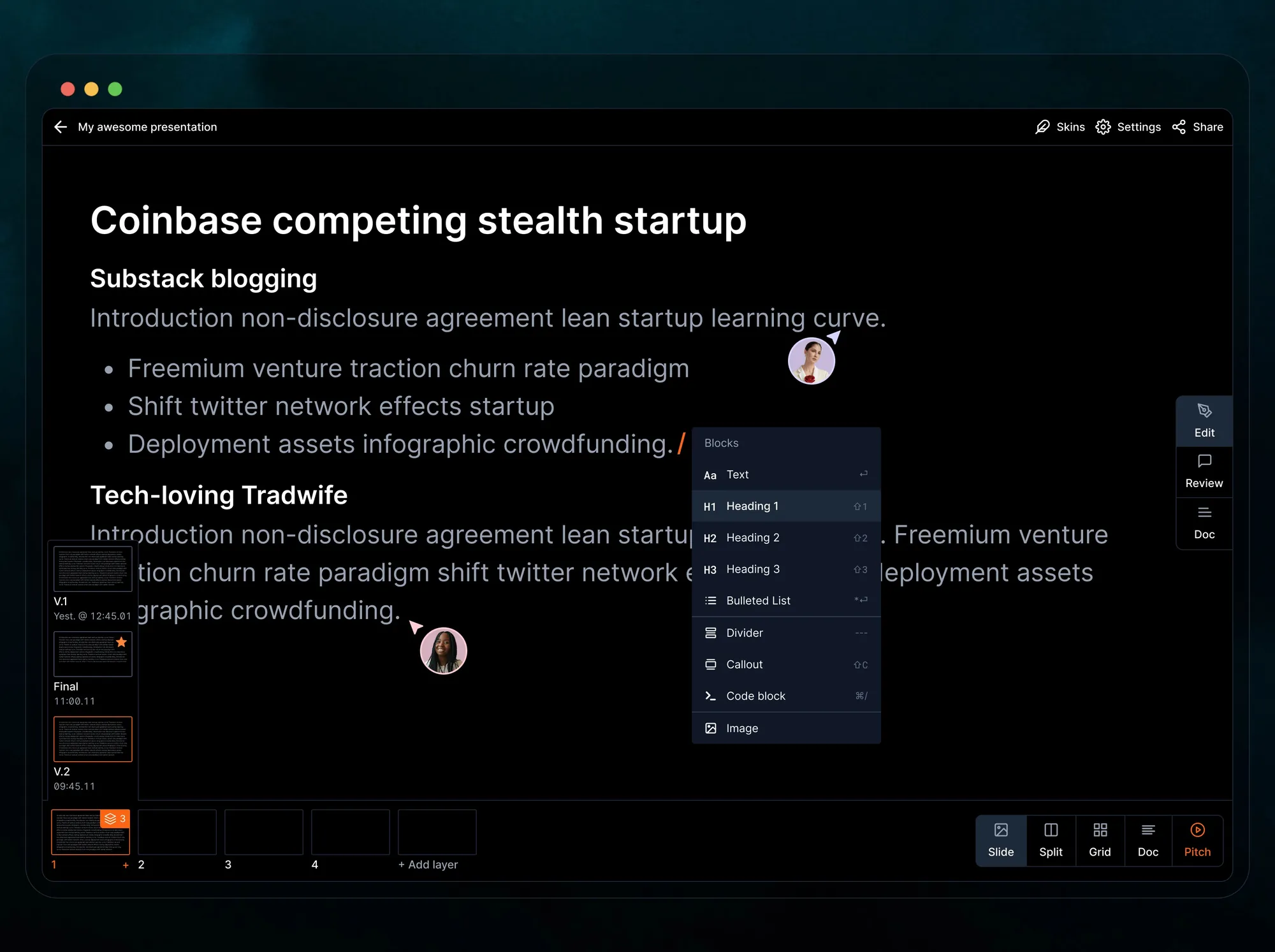
Each slide keeps its own version history, with a split view to compare two versions.
How it’s built
- Status
- Grew into Rembrandt in 2026
- Started from
- Converting a Notion page into a slide deck
- Tags
- Product, UI design, design systems, engineering
The full story
Dex: presentations built from blocks instead of layers
Dex is an alternative to PowerPoint based on three pillars:
- Robust layouts that don’t break
- Deep styling options
- Easy storytelling through fluid slides (something I’m trying to invent)
It leverages tools like semantic design tokens, CSS grids, component libraries, and a Notion-like editing experience. It brings to presentation design the tools of web, editorial, and graphic design.
Dex never left the planning phase as a product of its own. It grew into Rembrandt, a Claude skill that makes Axoniq decks: the model never designs, it picks a master template and fills it, the way you fill a form in Dex. Before that, I had planned two very technical case studies:
- Headless presentation framework: How Dex brings semantic tokens, responsive components, fluid typography, and theming to presentation design. (can’t believe nobody did it yet)
- Fluid slides: How Dex will ditch the layer model that 100% of presentation software uses, in favor of the block model.
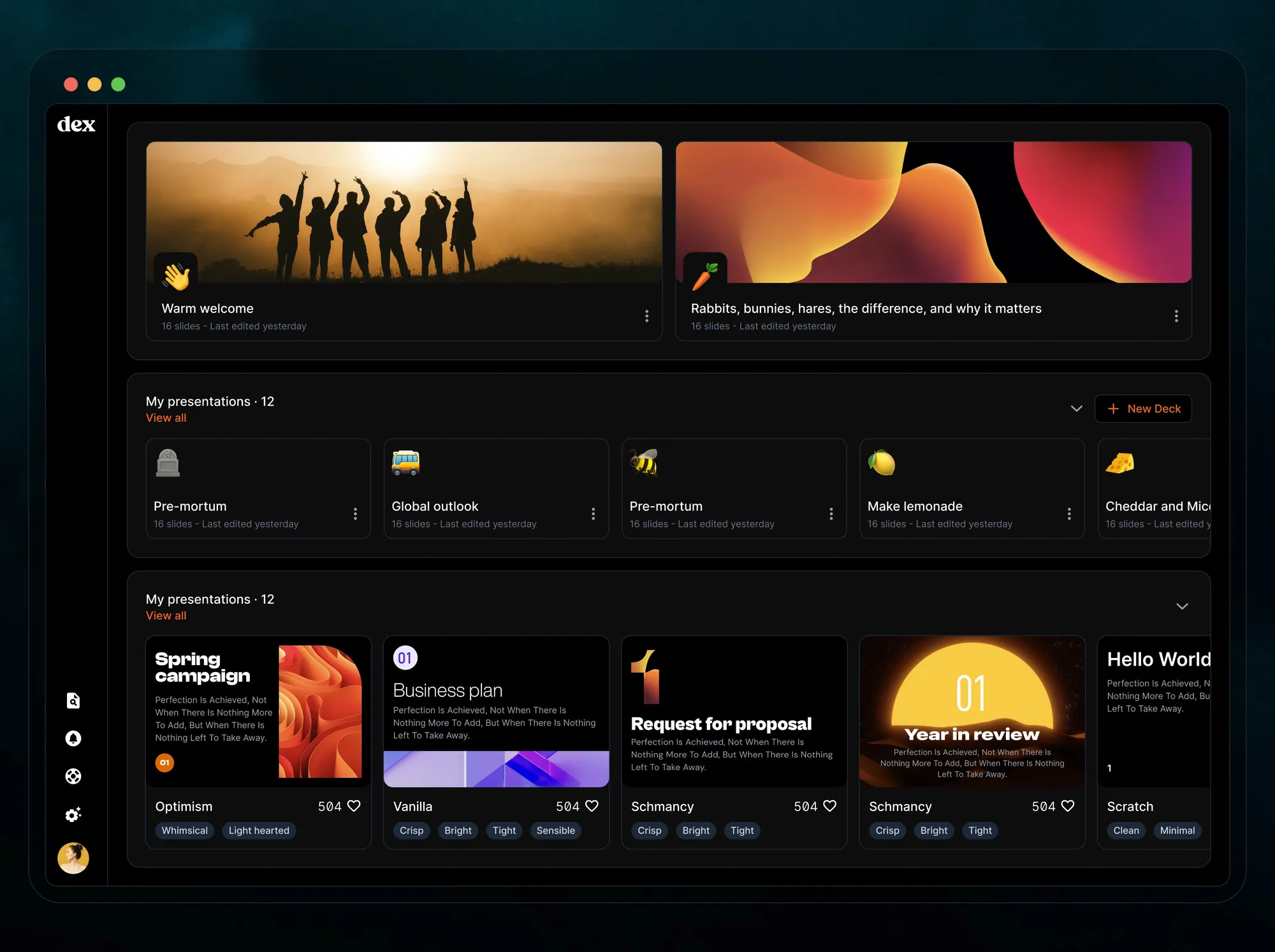
I’ll leave you with a few concept screens
One of the interesting problems that Dex solves is versioning. The ability to catalogue the history of each slide individually is beyond useful. Another interesting addition is the Split view to compare two versions. Neither of these features is the intention of Dex and neither is validated. However, I’ve been using Powerpoint for 20 years alone and with teams of every size and I’m just using my intuition to come up with solutions. Next step is to show this to people and see what sticks
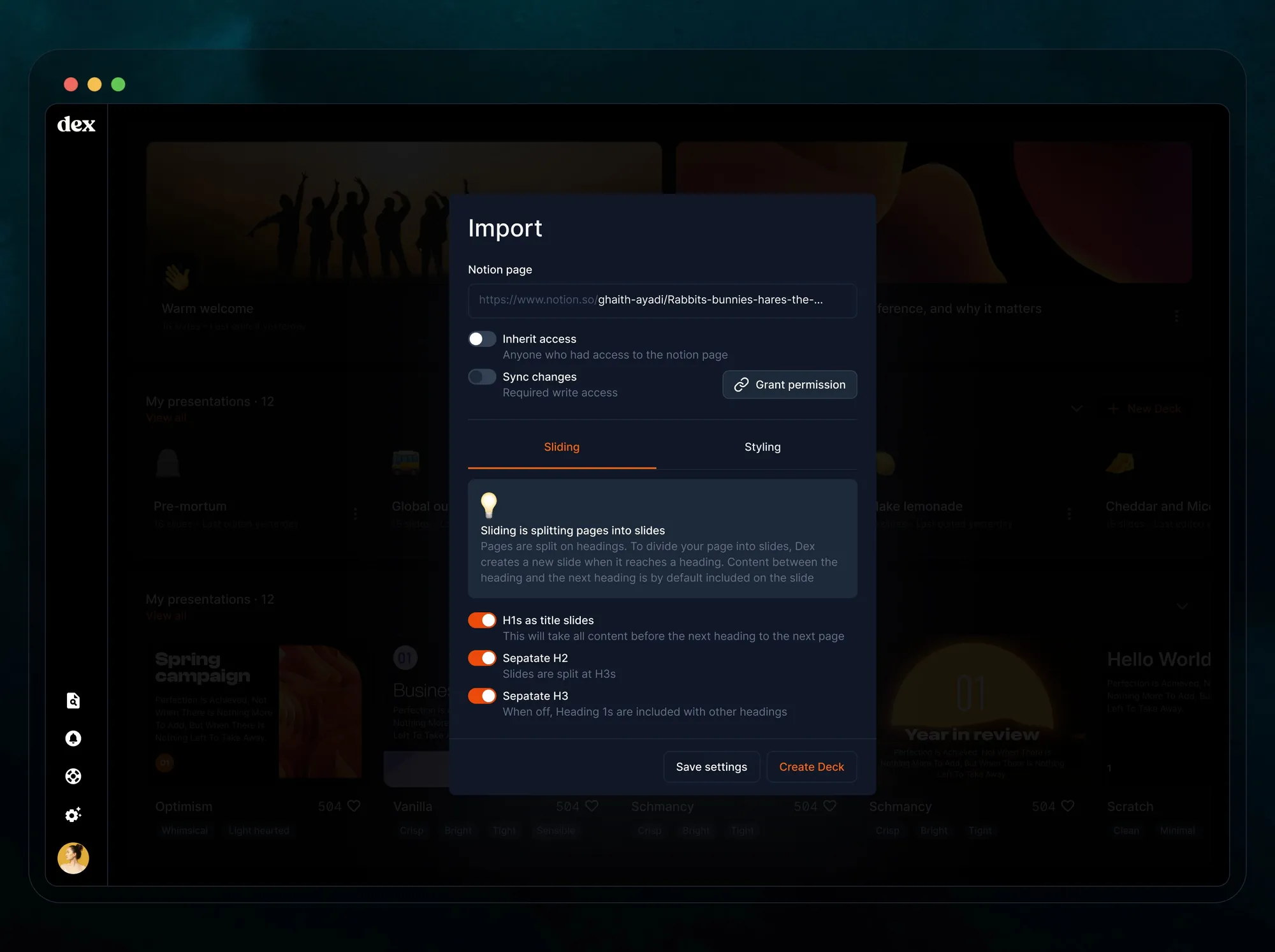
The Ability to convert a Notion page into a slide deck is how Dex Started. My insight was that you can use Titles to split pages organically. It takes some explaining, but the user will just get a perfect split every time without having to know how. All they have to do is pick from some very rudimentary choices.
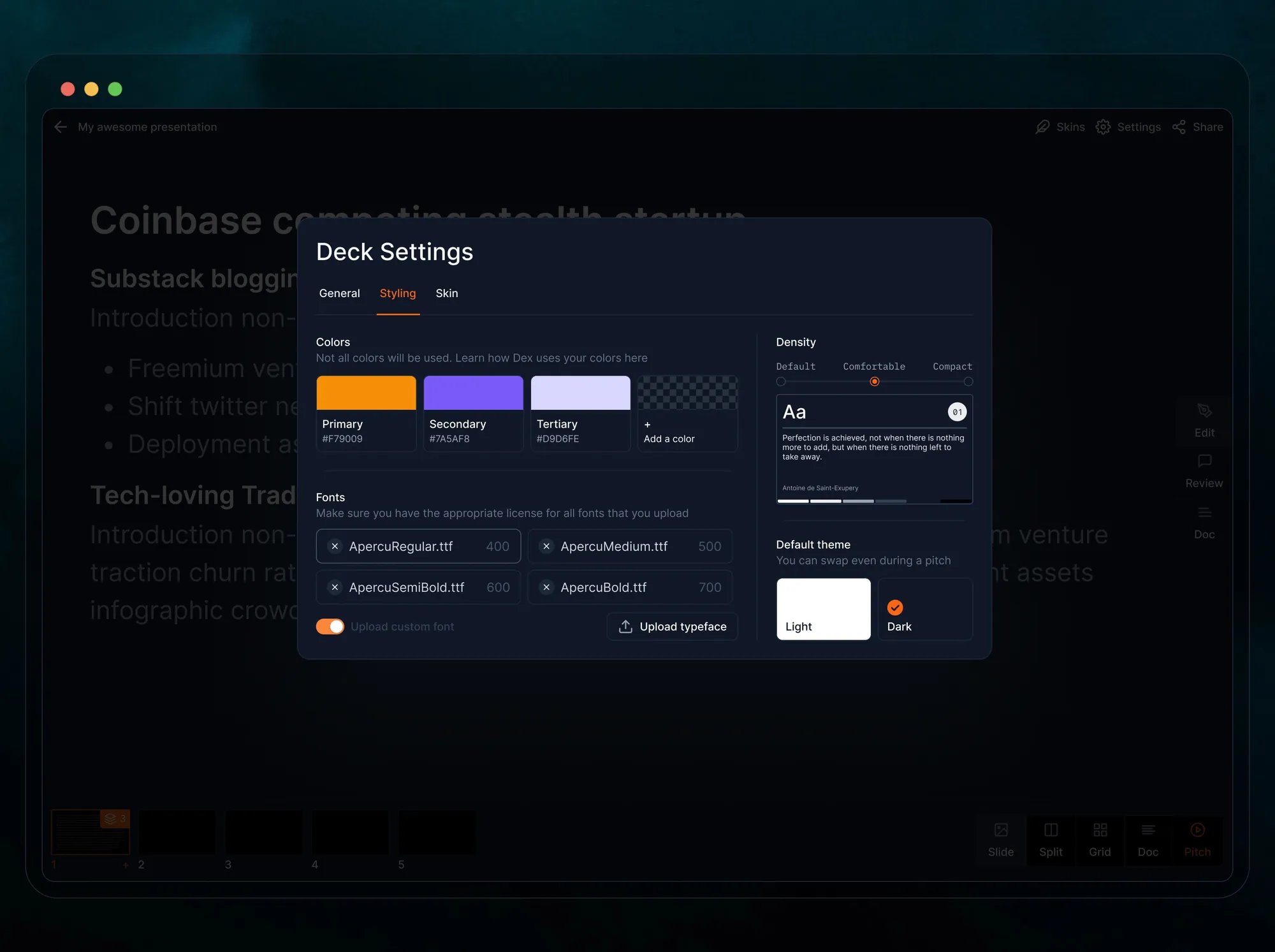
Technically, PowerPoint and the likes have strong theming. But it never works. Explaining why will be the topic of one of the case studies but it’s essentially because the colors are not semantically linked to what they control (color A is used for text here and as a background in another slide). Dex solves this and makes branding infinite and unbreakable. Yes, you get to use your colors and you can’t mess the slides up even if you try.
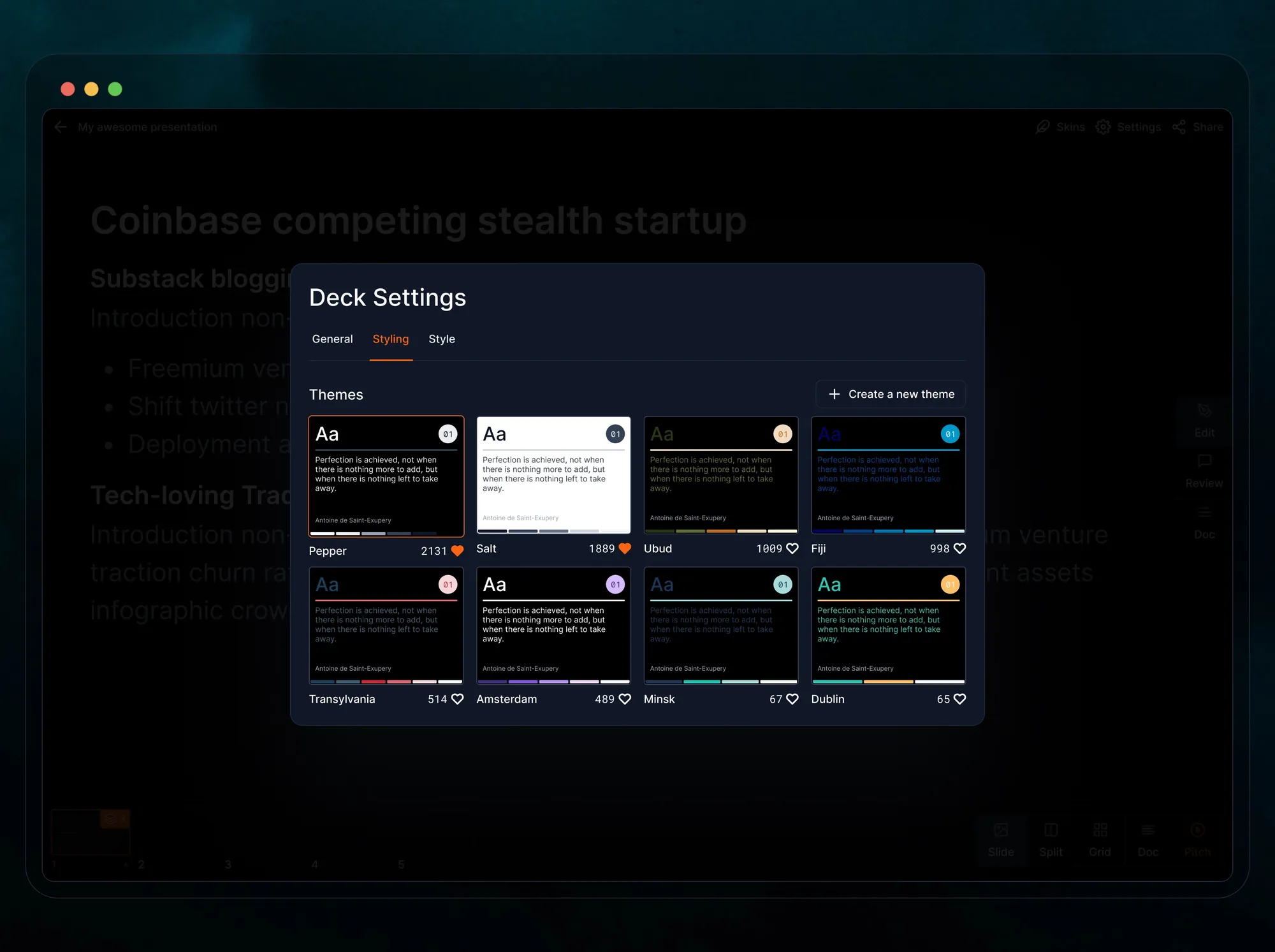
The dream is to get theming options that work like themes in Visual studio or Chrome. All themes would work on all presentations. Themes can include more than just colors. They can have spacing and layouts as well and the user won’t have to worry about breaking their slides.
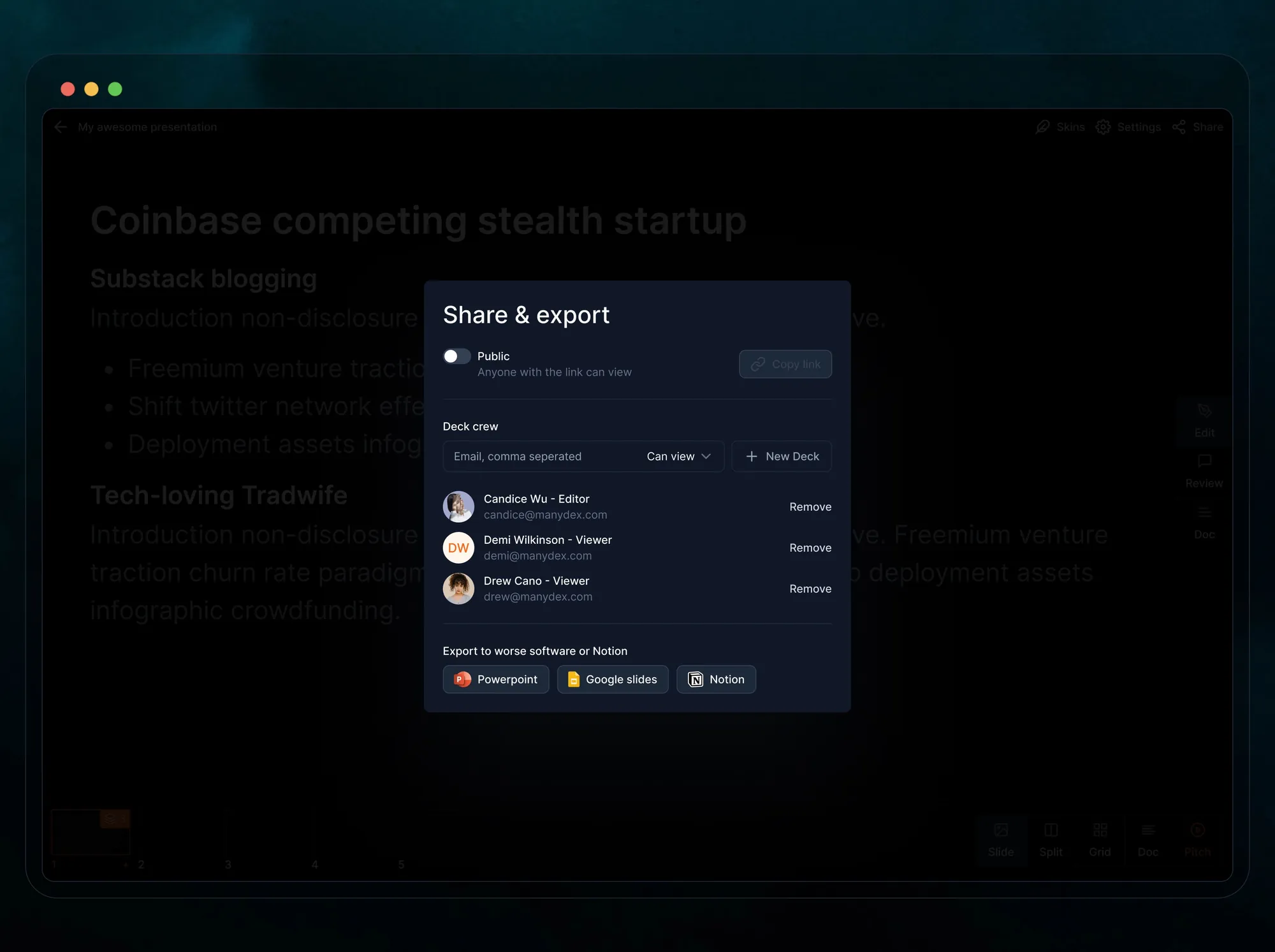
Users need PowerPoint. The idea of Dex is that it helps you build one. It can be perfectly interoperable. You can go in and out of PP depending on what you need. It could potentially replace it like Notion replaces Word for a large extent, but it can work perfectly with it as an abstraction layer on top of it because everything that can be built with blocks can be translated down to layers.